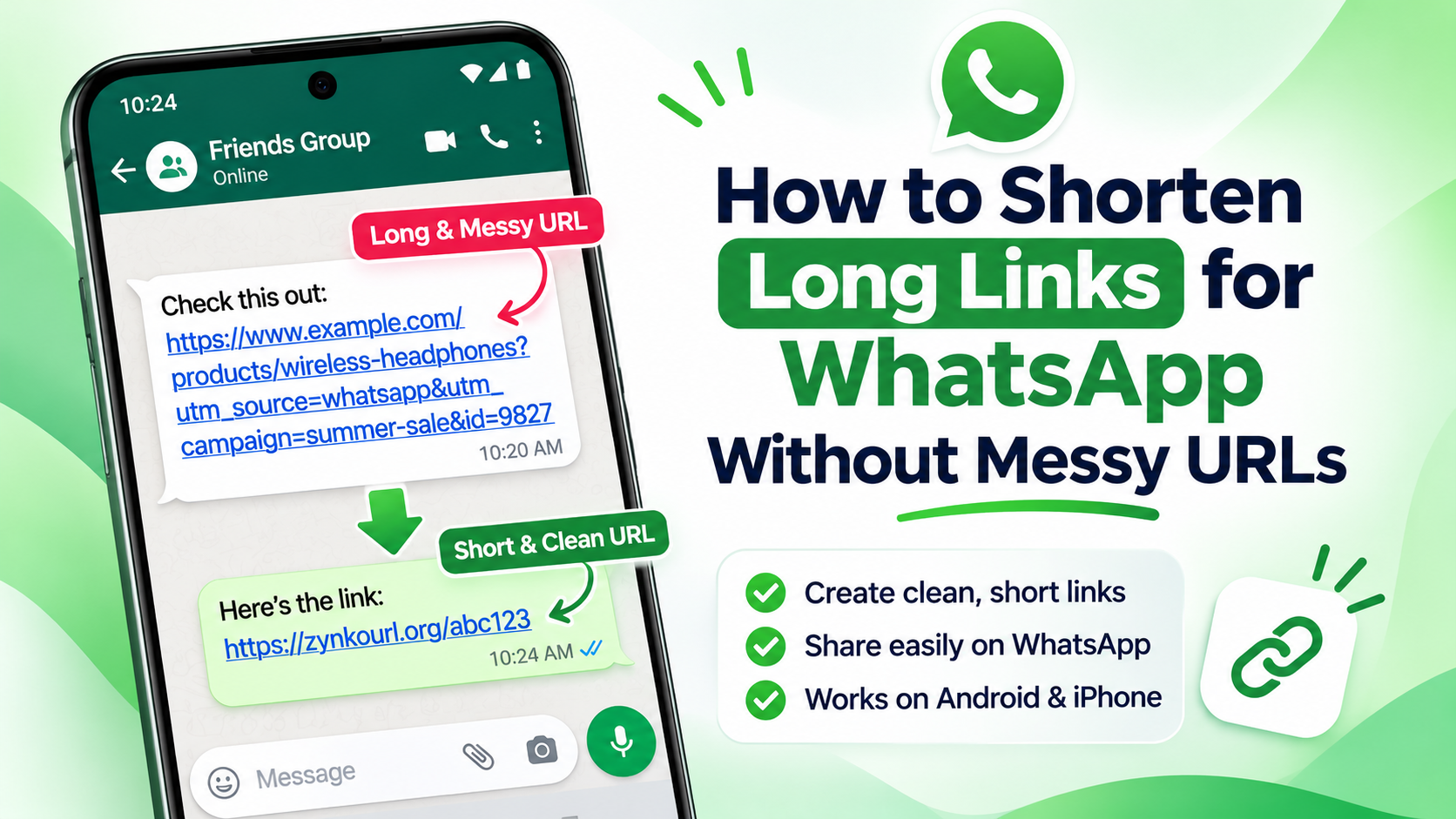
Have you ever wanted to share a long website link from your Android phone but found it too long or difficult to read? You don't need to download a separate application to solve this problem. You can shorten a URL on Android without installing an app by using a free online URL shortener directly in your mobile browser. Simply copy your original link, open a URL-shortening website, paste the address and generate a short link. In this guide, you'll learn how to shorten URLs using Google Chrome, Samsung Internet and Zynko URL Shortener. You'll also discover how to share your shortened links on WhatsApp, Telegram, Instagram and other platforms. Can You Shorten a URL on Android Without an App? Yes! You can shorten URLs on Android using an online URL shortener that works through your existing web browser. You don't need to install additional software, create a separate application or configure complicated settings. The basic process is:
- Open the website you want to share.
- Copy its original URL.
- Open an online URL shortener.
- Paste your long URL into the input field.
- Generate your short link.
- Copy and share the shortened URL.
The entire process takes only a few steps and works on most modern Android smartphones. Method 1: How to Shorten a URL Using Google Chrome on Android Google Chrome is one of the easiest ways to copy a website address on an Android phone. Follow these instructions: Step 1: Open Google Chrome Open Google Chrome on your Android smartphone. Visit the website, article, product page or video that you want to share. Step 2: Copy the original URL Tap the address bar at the top of your browser. The website address will become visible. Select the Copy option to copy the complete URL to your clipboard. Tip: Make sure you copy the correct website address, including its required path and query parameters. Step 3: Open an online URL shortener Open a new Chrome tab and visit: Officail Website Zynkourl Zynko is an online URL shortener that works directly through your mobile browser. You don't need to install an Android application or create an account just to generate a guest short link. Step 4: Paste your long URL Find the destination URL input field on the Zynko homepage. Tap and hold inside the input field and select Paste. Your copied website address should now appear in the field. Step 5: Generate your short URL After pasting the original URL, select the Shorten URL option. Complete the security check if prompted and wait for the shortening process to finish. Zynko will generate a shortened link for your destination. Step 6: Copy your shortened link Once the result appears, copy your newly generated short URL. You can now paste it into WhatsApp, Telegram, Instagram, Facebook, email or any other platform where you want to share it. That's it! You've successfully shortened a URL on Android without installing an app. Method 2: How to Shorten a URL Using Samsung Internet If you use Samsung Internet instead of Google Chrome, you can follow almost the same process. You don't need to switch browsers. Follow these steps:
- Open Samsung Internet on your smartphone.
- Visit the webpage you want to share.
- Tap the address bar and select the option to copy the website URL. The exact controls may vary by browser version.
- Open a new tab.
- Visit zynkourl.org.
- Tap the destination URL input field.
- Paste your copied website address.
- Complete the security check if requested.
- Tap Shorten URL.
- Copy the generated short link.
Your shortened URL is now ready to share. This method also works with other modern Android browsers that allow you to copy and paste website addresses. Method 3: Create a Short Link Directly Using Zynko If you frequently share website links, you can use Zynko directly whenever you need a shorter URL. Zynko provides a browser-based URL shortening tool that allows guest link creation without requiring an account. Why use Zynko?
- No app installation: Use the website from your existing Android browser.
- Guest link creation: Generate a short link without registering an account.
- Simple interface: Paste your original URL and generate a shorter version.
- Link management: Registered publishers can manage their links through their workspace.
- Available analytics: Registered publishers can review available link activity in their dashboard.
- API access: Developers can explore programmatic link creation through the API documentation.
Visit the official website to get started: zynkourl.org You can also explore the "Zynko URL Shortener API documentation if you want to integrate link creation into your own application or website. How to Share Shortened URLs on Android After generating your short URL, you can share it through almost any application that supports text and links. Here are some common examples. Share a short URL on WhatsApp
- Open WhatsApp.
- Select the person or group you want to message.
- Tap and hold inside the message box.
- Select Paste.
- Send your shortened URL.
Share a short URL on Telegram
- Open Telegram.
- Open your desired conversation or channel.
- Paste your shortened URL into the message field.
- Add a short description explaining where the link leads.
- Send your message.
Avoid misleading link descriptions or unsolicited promotional messages. Add a short URL to your Instagram bio
- Open Instagram.
- Navigate to your profile.
- Select Edit Profile.
- Find the Links section.
- Add your shortened URL.
- Save your changes.
The available interface may vary depending on your Instagram version. Share a short URL on Facebook
- Open Facebook.
- Start a new post or open a conversation.
- Paste your shortened URL.
- Add relevant context about the destination.
- Publish or send your message.
Online URL Shortener vs Android URL Shortener App. You might wonder whether you should use a dedicated Android application or an online URL shortener. Both approaches can be useful, but they serve slightly different needs. Feature| Online URL Shortener| Dedicated Android App Installation| Not required| Usually required Works in mobile browser| Yes| Depends on service Account requirement| Depends on provider| Depends on provider Quick link creation| Yes| Yes Device storage| No additional app storage| Uses app storage Browser compatibility| Depends on website| Depends on app Automation| Depends on service| May offer integrations For occasional link shortening, an online URL shortener is generally convenient because you can use it without installing another application. If you shorten dozens of links every day, an application or automation workflow may be more convenient. Benefits of Shortening URLs on Android Shortening URLs can make everyday link sharing easier. Here are some practical benefits.
- Cleaner and more readable links
Some website addresses contain long paths, tracking parameters and complicated characters. A shortened URL can make a message easier to read.
- Easier sharing on social media
Short links are convenient when sharing content through messaging applications, social media posts and online communities.
- Better link organization
When you use a link management service, you may be able to organize your links and review their activity from one dashboard.
- Convenient mobile access
A browser-based URL shortener allows you to create short links from your phone without downloading additional software.
- Link activity insights
Some URL-shortening services provide analytics that help you understand how people interact with your links. For example, Zynko offers available link activity reporting to registered publishers. Remember that recorded clicks are not necessarily the same as unique human visitors. Automated link previews, security scanners and repeat visits can affect reported numbers. Is It Safe to Use an Online URL Shortener? Online URL shorteners can be useful, but you should choose a service carefully. A shortened URL hides much of the original destination address, so recipients may not immediately know where the link leads. Follow these safety practices: - Use a URL shortener from a service you trust.
- Check the original destination before shortening it.
- Avoid shortening suspicious or harmful URLs.
- Do not share links containing private authentication tokens or sensitive information.
- Test your generated link before sending it to other people.
- Explain where a shortened link leads instead of using misleading descriptions.
If someone sends you an unfamiliar shortened URL, avoid opening it automatically. Use a reputable link-expansion or security-checking method when you need to inspect its destination. Common Problems When Shortening URLs on Android Sometimes the shortening process may not work as expected.
***Here are some common problems and possible solutions.
* Problem 1**: The URL is not being pasted Possible reason: Your clipboard may not contain the copied address. Solution:
- Return to the original webpage.
- Copy its address again.
- Reopen the shortener.
- Tap and hold the input field.
- Select Paste.
Problem 2: The URL shortener is not generating a link Possible reason: The destination URL may be invalid, the security check may be incomplete, or the service may be temporarily unavailable. Solution:
- Check that the original URL is correct.
- Make sure it begins with a valid HTTP or HTTPS address.
- Complete any requested security verification.
- Refresh the page and try again.
Problem 3: The shortened link does not open Possible reason: The destination page may have been removed, the short link may have expired or been disabled, or there may be a temporary service issue. Solution:
- Copy the complete generated link.
- Open it in a new browser tab.
- Check whether the original destination still works.
- Contact the URL shortener provider if the problem continues.
Problem 4: The link looks different after sharing Some messaging and social media platforms generate link previews or modify how URLs are displayed. This does not necessarily mean that the shortened link has changed. Copy the actual link and test it separately before sharing it widely.
Frequently Asked Questions :-
1. How can I shorten a URL on Android without installing an app? Open Chrome or another Android browser, copy your original website address and visit an online URL shortener such as Zynko. Paste the URL, complete any required security check and select Shorten URL. Copy the generated link to share it. 2. Is there a free URL shortener for Android? Yes. You can use free online URL-shortening services directly through your Android browser. Zynko allows guest link creation through its website without requiring an account. 3. Can I shorten a URL using Google Chrome on Android? Yes. You can copy a website address from Chrome and paste it into an online URL shortener. Chrome also provides native sharing and QR-code features, but those are different from generating a general-purpose shortened URL. 4. Does Samsung Internet support URL shortening? Samsung Internet allows you to copy and share website addresses. To generate a shorter URL, you can open an online URL-shortening service in the same browser and follow the usual copy-and-paste process. 5. Can I shorten a URL without creating an account? Yes. Some online URL shorteners support guest link creation. For example, Zynko allows visitors to generate guest short links without registering. 6. Can I share shortened URLs on WhatsApp? Yes. After generating a shortened URL, copy it and paste it into a WhatsApp conversation or group. You can also add a short description explaining the destination. 7. Do shortened URLs expire? It depends on the URL shortener provider and the settings used when creating the link. Some services offer permanent links, while others support expiration dates or link deactivation. Always check the provider's terms and link settings. 8. Can I track clicks on shortened URLs? Some URL shorteners provide click tracking and link analytics. Zynko offers available link activity reporting to registered publishers through its workspace. Reported activity can include automated requests and repeat visits. **9. Is an online URL shortener better than an Android app? It depends on how frequently you shorten links. An online service is convenient for occasional use because it doesn't require an additional installation. A dedicated application may be more useful for frequent users who want automation or direct sharing integrations. 10. Can I shorten long website links on any Android phone?** Generally, yes. If your smartphone has a modern browser and an internet connection, you can use a compatible online URL shortener without installing a separate application.
Conclusion
You don't need to install a dedicated application to shorten URLs on Android. Whether you use Google Chrome, Samsung Internet or another modern mobile browser, the process is straightforward: copy your original website address, open an online URL shortener, paste the link and generate your shortened URL. If you want a simple browser-based solution, try Zynko URL Shortener. Create your first short link today without downloading another application. Visit: zynkourl.org *Make every link shorter with Zynko!*